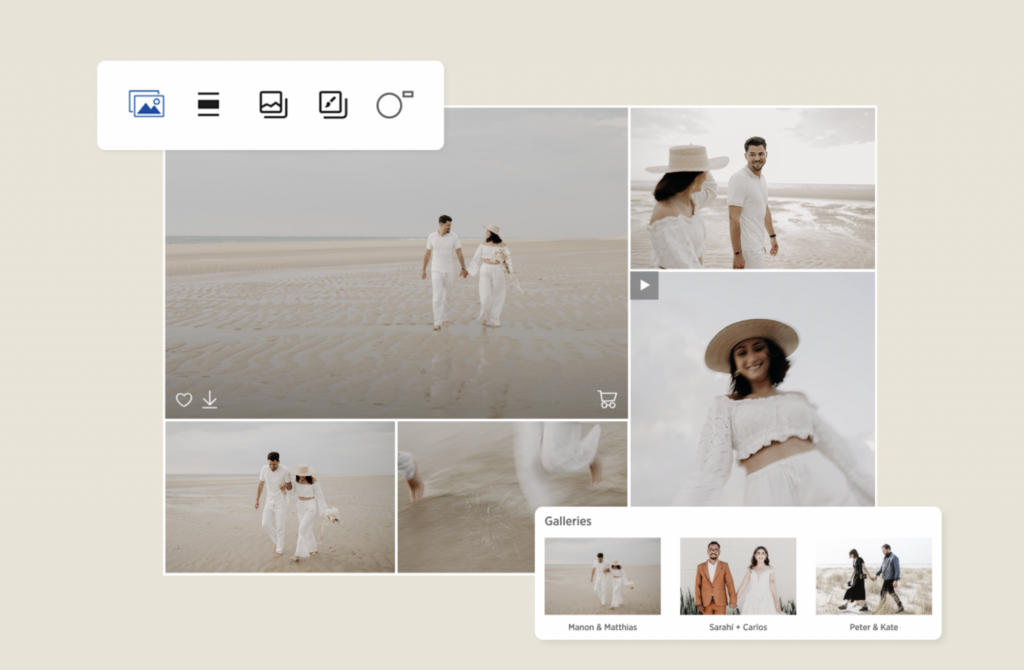
Once I send you your final gallery you can download your photos. I suggest that you download all of them and save them not only on your computer but in your cloud, google drive or other platform. Here is a video if that is easier but for step by step desktop and mobile instructions follow […]
How to Download Photos from Pic-Time 2.0
Once I send you your final gallery you can download your photos. I suggest that you download all of them and save them not only on your computer but in your cloud, google drive or other platform.
Here is a video if that is easier but for step by step desktop and mobile instructions follow below.
From Desktop:
Downloading all Media from the Gallery
1. To begin downloading all of the media in the gallery click the download icon on the right-hand side of the navigation bar.
2. In the download window, click the arrow icon to select your preferred resolution. Available options depend on your photographer’s permissions. I suggest always High Res, but you can certainly download the web size as well.
3. You can still remove or add media from the selection by clicking on Edit selection. Otherwise, click on Next to proceed.
4. You can Save to Dropbox or Google media, or download directly to your device.
5. The files will be downloaded as a zipped folder in your device’s default downloads location, or you can select a location to save your folder depending on your browser and computer settings. After your download is completed, extract the media from the .zip file by double-clicking on the zip folder or by right-clicking and selecting the Extract, Unzip, or Expand option.
If the gallery contains multiple scenes, media will be organized into subfolders named after each scene in the downloaded folder, provided the photographer has enabled this setting.
The steps to downloading from Mobile Device:
1. To download the entire gallery, tap on the menu icon in the upper right corner of the gallery and select Download gallery.
2. Select your preferred resolution from the available options by tapping on the arrow icon. Review selection and tap on Edit selection if you wish to exclude some of the media, or tap Next to proceed.
3. You can Save to Dropbox or Google Photos, or download directly to your device. Once the files are prepared, tap on Download. The files will be downloaded to your device’s default downloads location.